
Router parental controls versus app filters for home Wi-Fi
Advertisement
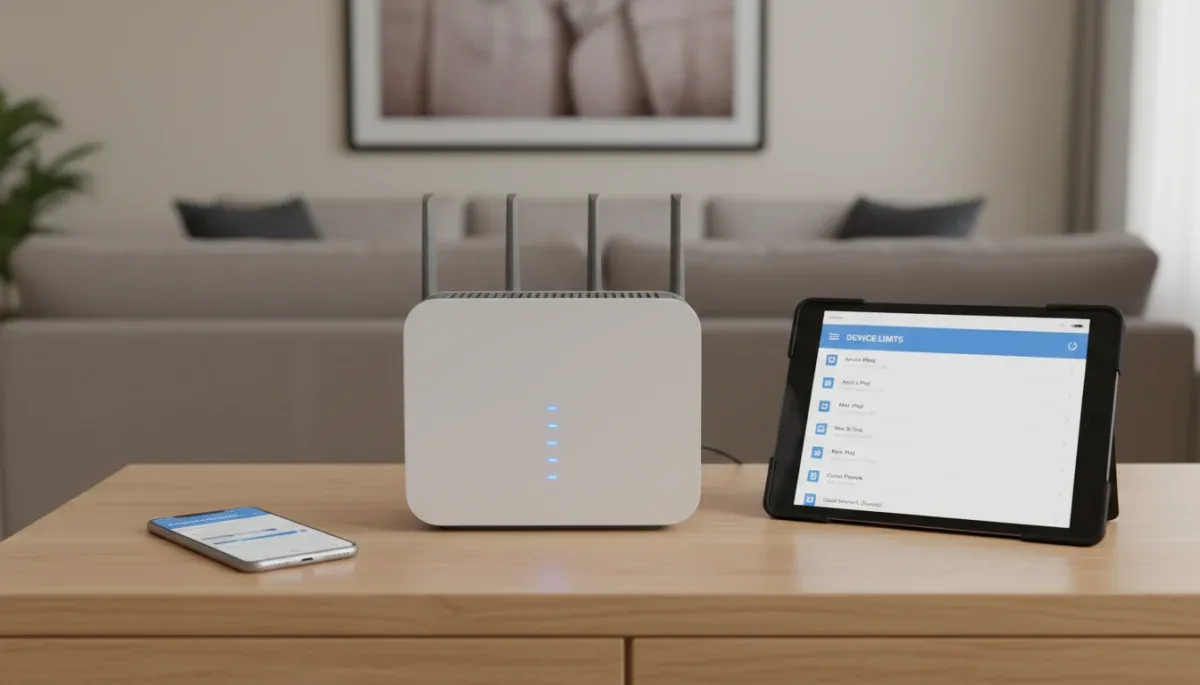
Router parental controls filter internet traffic at your physical internet gateway, whereas app-based filters operate directly on individual phones, tablets, and computers. Router tools protect every smart television, gaming console, and guest device on your home network without requiring manual software setups, but they stop filtering the moment a mobile device connects to cellular data or external Wi-Fi networks.
This distinction matters for parents seeking consistent digital boundaries across varied hardware, though neither system provides a complete shield against every online hazard on its own. Understanding the technical mechanics, privacy tradeoffs, and blind spots of both approaches helps households create an effective, layered defense that fits their budget and technical comfort.
How network-level filtering functions across household hardware
Network-level protection works at the gateway where internet service enters your residence. When any device sends an outbound request to load a webpage, that request queries the Domain Name System, commonly abbreviated as DNS. DNS translates human-readable addresses, like website names, into the numeric internet protocol addresses required to route digital data. A router configured with parental controls intercepts these lookup requests, evaluating each destination against an automated blocklist of known adult, malicious, or age-inappropriate domains.
Advertisement
Because this process takes place entirely on the router hardware or through cloud-linked firmware, no individual setup is required on client hardware. A smart television running streaming apps, an internet-connected gaming console, and a visitor's tablet are all subject to the same network boundaries the moment they join your local Wi-Fi. Many commercial routers from brands such as Netgear, Asus, and TP-Link provide integrated suites that categorize web content into pre-sorted age brackets, enabling household administrators to restrict specific topics across individual profiles.
This wholesale coverage creates significant operational efficiency. You do not need to decipher disparate settings menus across varied operating systems like iOS, Android, Windows, and proprietary console software. However, because DNS filtering inspects web domain names rather than the specific encrypted contents inside web traffic, network-level filters lack visibility into modern encrypted streams. A router can block access to an entire social platform, but it cannot differentiate between an educational tutorial and an inappropriate clip hosted on that exact same video platform.
The mechanics and precision of on-device application filters
App-based parental controls are software packages installed directly on an operating system, giving them deep access to system events, local applications, and hardware resources. Programs such as Qustodio, Bark, Net Nanny, and native system utilities like Apple Screen Time and Google Family Link operate locally. This placement allows the software to track exact application usage down to the minute, supervise search engine queries, and manage local device privileges such as app installations or camera permissions.
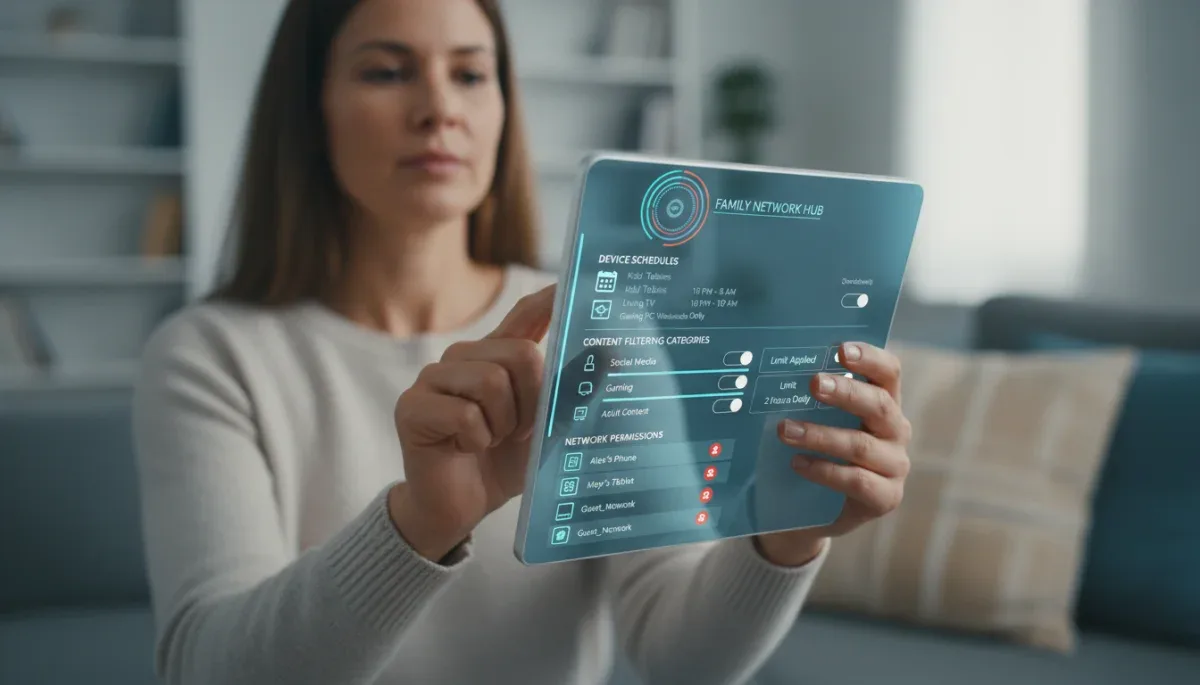
Unlike router tools, local applications inspect activity regardless of network pathways. When a teenager walks out the front door and switches from home Wi-Fi to a cellular carrier connection or school Wi-Fi, the software remains active in the background. It continues enforcing daily time limits, scheduled bedtimes, and content restrictions. Furthermore, these applications can monitor communication channels, checking SMS text logs or scanning social media accounts for indicators of cyberbullying, self-harm keywords, or predatory interactions where supported by device permissions.
This granular oversight comes with practical friction. Software installed locally must be configured individually across each phone, tablet, and laptop. Children frequently discover workarounds, ranging from clearing application caches to using secondary browsers or altering system clocks to bypass screen limits. Additionally, operating system updates from Apple or Google occasionally break monitoring hooks until third-party developers issue compatibility patches, requiring regular maintenance from parents.
Coverage differences between home Wi-Fi and mobile data
The boundary between network protection and application oversight becomes sharpest when evaluating mobility and cellular connectivity. Router parental controls cease functioning the moment a mobile device disconnects from your local network. A child who switches off Wi-Fi on their smartphone immediately routes traffic through their cellular carrier, entirely bypassing router schedules, content blacklists, and pause commands.
To evaluate these differences effectively, consider how both platforms behave across standard mobile scenarios:
- Cellular network failover: Routers exert zero control over 4G or 5G mobile data streams, while on-device software enforces policies identically across Wi-Fi and cellular connections.
- Visiting alternative networks: Routers cannot protect devices connected to public library Wi-Fi, school connections, or friends' home networks, whereas installed apps persist everywhere.
- Guest hardware management: Routers apply baseline safety filters to visiting neighborhood friends using your Wi-Fi, whereas app-based platforms cannot be placed on hardware you do not own.
- Hotspot tethering: A device sharing its cellular connection bypasses home router filters completely unless supervised by installed client software.
These mobility constraints mean that households relying solely on router controls often experience an enforcement gap once children acquire smartphones or cellular-enabled tablets. Router filters excel at static environments, managing appliances like living room televisions, desktop personal computers, and streaming boxes that never leave the home network.
Encrypted traffic, private browsing, and technical workarounds
Modern internet security standards have altered how traditional network filters operate. Protocols such as DNS over HTTPS, commonly called DoH, and DNS over TLS encrypt domain lookups before they leave the browser. When an operating system or web browser encrypts its DNS requests, a standard home router cannot read the destination domain name. As a consequence, the router cannot determine whether the traffic violates safety policies, allowing encrypted lookups to bypass standard router filters entirely.
Similarly, virtual private networks create encrypted tunnels between a personal device and external servers. If a child downloads a free VPN client onto a laptop, all internet traffic routes through an encrypted tunnel directly out to the broader internet. The router sees only a continuous stream of indistinguishable encrypted packets heading toward a single server address. Unless the router features deep packet inspection capabilities or explicitly blocks recognized VPN server protocols, all content controls are rendered ineffective.
On-device monitoring tools handle these circumvention techniques more reliably. Because application filters integrate directly into the operating system kernel or use local loopback profiles, they inspect user activity before data gets encrypted and leaves the device. An installed app can block private browsing modes, prohibit the installation of unapproved VPN applications, and log keystrokes or screen captures independent of the transport layer encryption used by web destinations.
Subscription models, hardware requirements, and maintenance costs
Financial commitments vary widely between network hardware and parental application suites. Many consumer routers include rudimentary parental controls at no additional charge, covering basic domain blocking, pre-configured content categories, and scheduled Wi-Fi shutoffs. However, advanced network services that provide granular device identification, malicious link detection, and automated profile updates frequently require recurring subscriptions, such as Netgear Armor or TP-Link HomeShield Pro, which generally cost between fifty and one hundred dollars annually at the time of writing.
App-based alternatives generally depend on recurring software-as-a-service models. Standalone applications like Bark or Qustodio charge ongoing monthly or annual subscription fees to maintain updated threat databases, cross-platform synchronization, and real-time alert systems. These services commonly range from five to fifteen dollars per month depending on tier options and the number of covered devices. Native platform tools like Apple Screen Time and Google Family Link are free alternatives built into their respective operating systems, though they lack centralized multi-platform dashboards and do not protect miscellaneous items like smart TVs or gaming gear.
Long-term maintenance also differs. Router tools run autonomously once configured, receiving automatic firmware updates with minimal parental intervention required. App-based tools require frequent credential checks, permission renewals following major mobile operating system updates, and persistent vigilance against device-level tampering or app deletions.
At a glance
| Feature | What to know |
|---|---|
Frequently asked questions
Can kids bypass router parental controls using cellular data?
Yes. Router controls operate solely within the physical transmission boundaries of your local Wi-Fi network. Turning off Wi-Fi on a smartphone transfers all internet traffic to the wireless carrier's cellular towers, completely bypassing your home router rules, content categories, and bedtimes.
Do router parental controls monitor text messages or social chats?
No. Routers inspect outbound domain destinations and cannot read the private message text inside encrypted communication platforms. Monitoring direct messages, SMS records, or specific chat apps requires dedicated on-device applications with native operating system accessibility permissions.
Are built-in platform controls like Screen Time enough for families?
Yes, for many families using uniform hardware ecosystems like all-Apple or all-Google devices. They manage screen duration and app downloads without added fees, but they lack centralized multi-platform dashboards and do not protect miscellaneous items like smart TVs or gaming gear.
Do VPNs disable router-level internet filters completely?
Yes, standard VPN services route internet traffic through encrypted data tunnels that conceal destination website names from local routers. To prevent this, parents must block known VPN connection ports within the router administrative portal or restrict VPN app installations directly on devices.
The bottom line
Router parental controls provide an efficient, set-it-and-forget barrier for home hardware like game consoles and televisions, but on-device apps remain essential for monitoring mobile phones that transition between cellular networks and public hotspots. Combining network-level blocking for home connections with targeted on-device tools creates the most reliable safety net. Before purchasing paid filtering software or specialized networking equipment, verify the exact operating system versions across your household hardware to ensure full software compatibility.
Written by
Lucas Bastos
Lucas Bastos writes about societal shifts for portalreborn.com. Each article explains how things work, compares published details such as prices, policies and program rules, and points readers to the official source before they decide.