
Google Family Link vs Bark: Parental Controls Compared

Advertisement
Google Family Link and Bark approach digital safety from two completely different angles, meaning the right choice depends on whether a family needs device management or content analysis. Google Family Link serves primarily as an operational tool that limits screen time, approves app downloads, and tracks location for free on compatible devices. Bark functions as a paid digital monitoring system that scans communications, social media interactions, and web searches for specific safety concerns without demanding that parents read every single private message.
Parents navigating online safety for younger children often find that standard device restrictions solve their main challenges around bedtimes and app access. Families with preteens and teenagers, however, typically face complex social interactions and web risks that basic operating system controls cannot detect. Understanding the core technical boundaries, cost differences, and platform compatibilities of both services helps caregivers select the system that matches their household guidelines.
Core philosophy and monitoring architecture
The operational difference between these two platforms starts with how they handle user privacy and device access. Google Family Link operates at the operating system level, functioning as a native component of Google accounts on Android devices and Chromebooks. It focuses on device governance: controlling when hardware turns on, enforcing strict bedtimes, requiring approval before an app installs from the Google Play Store, and providing GPS location sharing. Family Link does not read your child's text messages, private chat conversations, or social media activity.
Advertisement
Bark uses specialized algorithms designed to inspect digital communications across more than thirty platforms, including SMS, email, YouTube, and major social media services. Instead of giving parents direct screen-mirroring access or full text transcripts, Bark operates on an exception-based alert model. The service scans text, images, and videos stored locally or transmitted through accounts, flagging potential instances of cyberbullying, online predators, depressive thoughts, and mature content. When an issue arises, Bark sends parents a notification containing context snippets and safety recommendations.
Key structural distinctions
- Google Family Link: Native account supervision that controls access, screen hours, and purchase authorization without inspecting message text.
- Bark: Cloud and device-level content analysis that flags safety risks inside communications while leaving benign messages private.
- Supervision visibility: Family Link presents a constant status notification on the child's device, whereas Bark operates quietly in the background after initial setup.
Screen time and device management capabilities
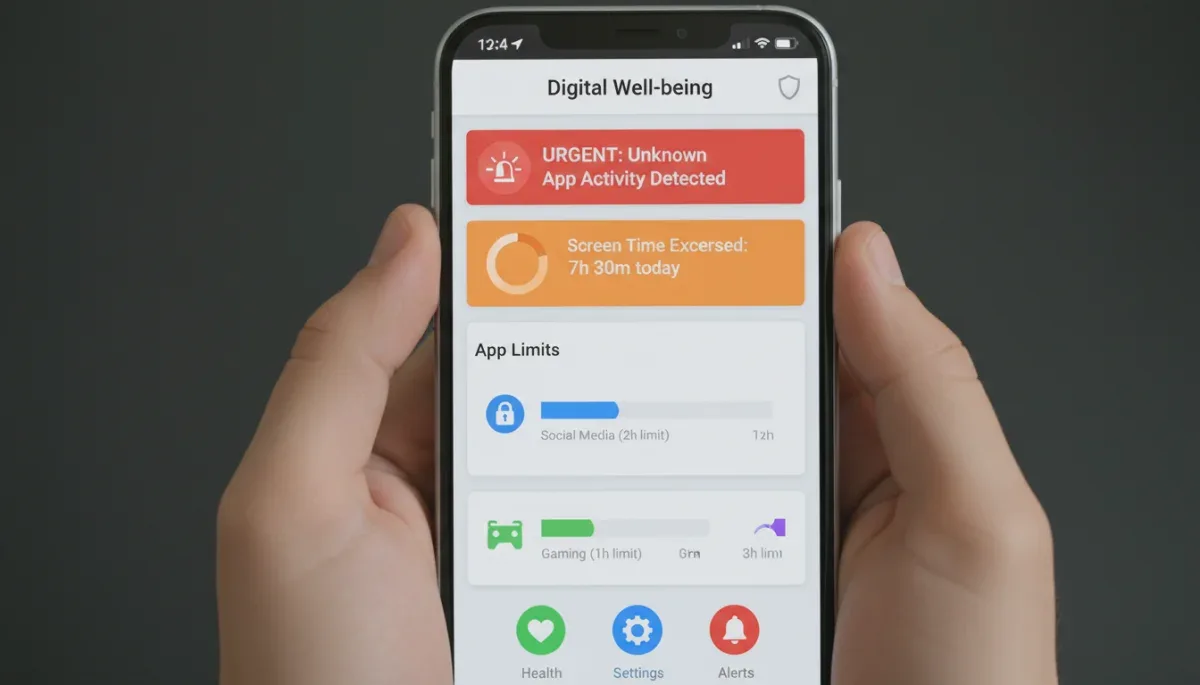
Managing daily screen habits is often the first concern for parents introducing mobile devices into their homes. Google Family Link excels in this category because it connects directly into the Android system core. Caregivers can establish daily usage allowances down to the minute, lock devices instantly from a parent dashboard, and create recurring bedtime schedules that silence non-essential features while keeping emergency calls operational.
Because Family Link integrates with the Google Play Store, it grants granular permissions over app categories and specific software titles. Parents can permanently block certain browsers, approve individual downloads requested by the child, and set per-app daily time caps. A child might receive two hours of total screen time, but only thirty minutes allowed for video streaming apps. Once an individual app limit expires, the operating system suspends the application until the following morning.
Bark approaches screen time management differently depending on whether a family uses the Bark application, the Bark Phone, or the Bark Home hardware unit. The standard Bark software allows parents to create custom screen time schedules that manage internet access through a virtual private network profile on the device. Through this connection, Bark disables web access for selected categories or apps during school hours or bedtime, though it does not provide the same seamless native interface locking found within Android's built-in Family Link controls.
Social media and communication surveillance
When children begin communicating through messaging platforms and social networks, the functional gap between Google Family Link and Bark becomes pronounced. Google Family Link does not provide any mechanism to inspect text messages, direct messages on third-party platforms, or multimedia attachments. If a child downloads an approved messaging platform, Family Link records how many minutes the application was open, but it offers zero insight into what was sent, received, or searched inside that software.
Bark focuses specifically on identifying communication risks across messaging services, including standard SMS, Apple iMessage on supported setups, and platforms like Instagram, Snapchat, TikTok, and Discord. The service reviews incoming and outgoing text alongside attached images. When the software detects phrases or imagery associated with self-harm, hate speech, violence, or grooming behaviors, it generates an automated alert for parents. This feature allows caregivers to supervise digital wellbeing without reading every casual chat conversation.
Bark communication coverage areas
- Direct messaging: Automated scanning for text interactions across supported third-party social apps.
- Email monitoring: Analysis of incoming and outgoing correspondence on popular email providers including Gmail and Outlook.
- Web search queries: Detection of concerning search strings and video views across YouTube and standard mobile browsers.
- Photo library review: Periodic local scans of saved gallery photos to identify adult content or weapons.
Device compatibility and technical setup
Setup complexity varies considerably across operating systems. Google Family Link requires an official Google account created specifically for a child, which remains linked to a parent's Google account within a Google family group. While parent management apps exist for both Android and Apple iOS, the supervised child device must run Android or ChromeOS to utilize the full scope of time limits, location services, and app controls. Family Link offers very limited functionality if installed on a child's iPhone.
Bark supports a broader ecosystem of target platforms, covering Android, iOS, Chromebooks, Amazon Fire tablets, and standard desktop web browsers. However, monitoring depth depends heavily on the manufacturer's technical limitations. On Android devices, monitoring setup involves installing software directly to scan device data. On iOS hardware, Apple security protections require parents to configure Bark using a local desktop program that performs periodic Wi-Fi backups of the child's iPhone or iPad to read data safely.
Setup requirements by platform
- Family Link on Android: Simple setup through standard device initial configuration or Google account settings.
- Family Link on iOS: Limited functionality; cannot enforce strict app locks or web filtering on iPhones.
- Bark on Android: Direct app download from official sources with straightforward background permissions.
- Bark on iOS: Requires regular wireless synchronization with a home computer running the Bark desktop utility.
Cost considerations and service plans
The financial barrier to entry represents a major dividing line between these platforms. Google Family Link is entirely free to use. There are no monthly subscriptions, premium upgrade tiers, or device count caps. As long as the household uses compatible Google hardware and accounts, every standard management feature remains active without ongoing fees. This structure makes Family Link an attractive, accessible baseline for households establishing early digital boundaries.
Bark is a commercial subscription service offering multiple tiers depending on the depth of monitoring required. At the time of writing, the company provides Bark Jr, an entry-level tier focused primarily on screen time limits and web filtering, alongside Bark Premium, which unlocks deep text, email, and social media analysis. Because pricing and feature bundles can adjust over time, consumers should verify current subscription rates directly on the official Bark website before registering their payment details.
At a glance
| Feature | What to know |
|---|---|
| Pricing model | Google Family Link is free, while Bark requires a paid monthly or annual subscription. |
| Message scanning | Bark analyzes text messages, social chats, and emails; Family Link does not monitor communications. |
| Device control | Family Link manages native Android screen time seamlessly; Bark relies on network filtering rules. |
| Platform reach | Family Link works best on Android; Bark monitors across Android, iOS, and multiple web services. |
Frequently asked questions
Can Google Family Link see private text messages?
No, Google Family Link cannot see or read text messages. The service tracks app usage time, authorizes installations, and manages system permissions, but it does not scan, copy, or report the text content of conversations sent through SMS or third-party chat apps.
Does Bark let parents view everything a child types?
No, Bark does not provide a full transcript of everything a child types. The software scans communications privately in the background and only alerts parents when its algorithms detect specific potential concerns, such as violence, bullying, self-harm, or adult content.
Can children bypass Family Link or Bark controls?
Yes, children can occasionally bypass both systems depending on technical literacy. Tech-savvy kids may find web proxies to circumvent Bark filtering, while factory resetting an Android device or using guest profiles can sometimes disrupt Family Link supervision if device permissions are left unmanaged.
Can both monitoring services be used simultaneously?
Yes, parents can run both services together on a single Android device. Family Link can manage physical screen locks, bedtime schedules, and app installations, while Bark runs quietly in the background to analyze communication channels and external online interactions for safety risks.
The bottom line
Choosing between Google Family Link and Bark comes down to whether your primary goal is controlling device access or monitoring online interactions. Family Link delivers robust, free screen management that works seamlessly across Android environments for younger kids. Bark provides advanced, privacy-minded threat detection across major social channels for older children, though it requires an ongoing subscription fee. Before choosing, check the exact device models your children use to ensure compatibility with your preferred service features.
Written by
Lucas Bastos
Lucas Bastos writes about societal shifts for portalreborn.com. Each article explains how things work, compares published details such as prices, policies and program rules, and points readers to the official source before they decide.